Turn your photo into a pixel fish.
A tiny aquarium, made yours. Free to play, with no account needed.
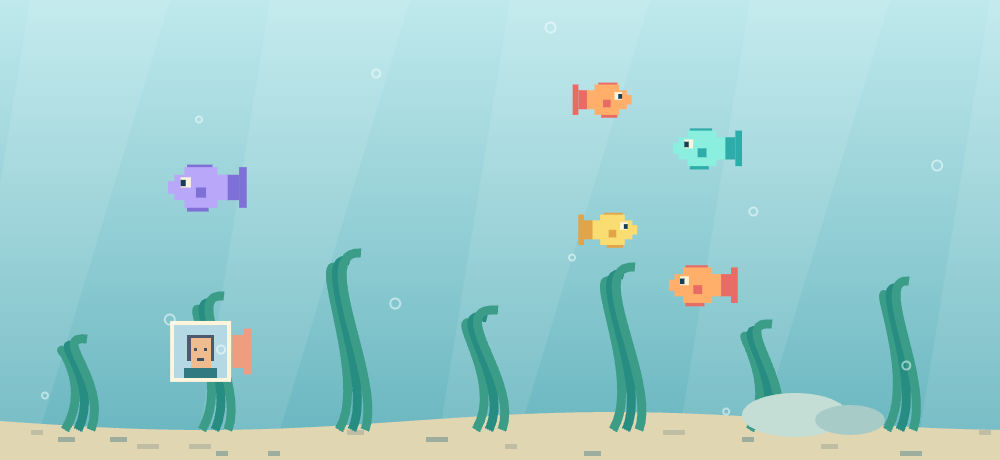 Your photo, swimming.
Pick a little break
20 gamesFeed fish. Grow your own little world.
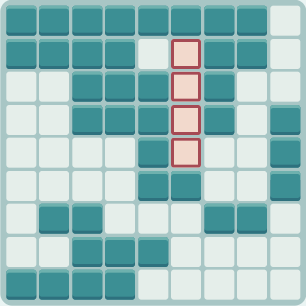
Small shapes. Satisfying clear lines.
No score. Just a place to make things.
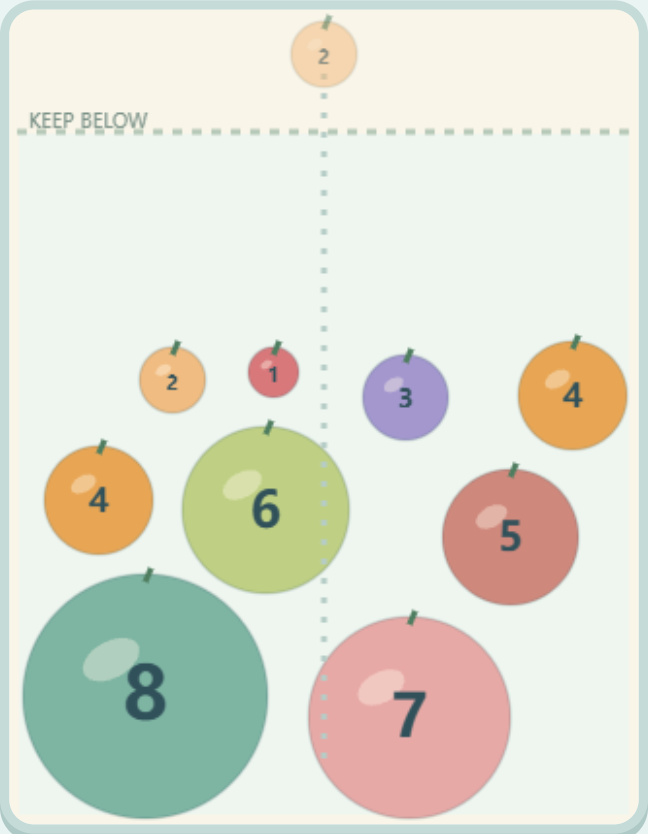
A small jar of growing possibilities.
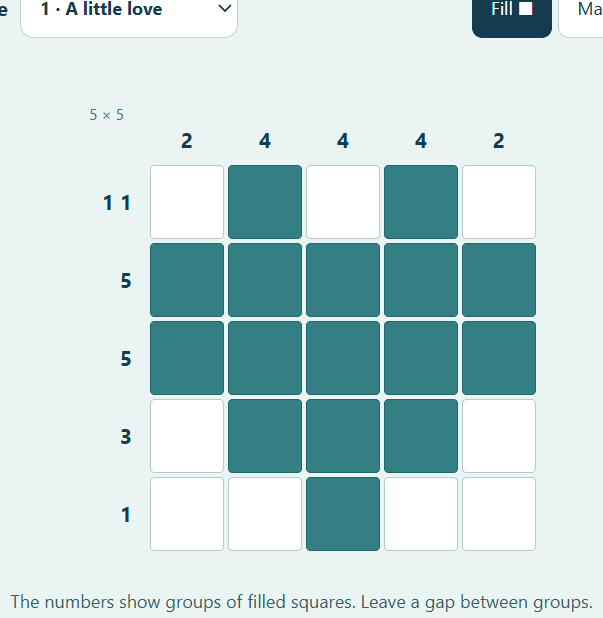
Six tiny pictures. One square at a time.
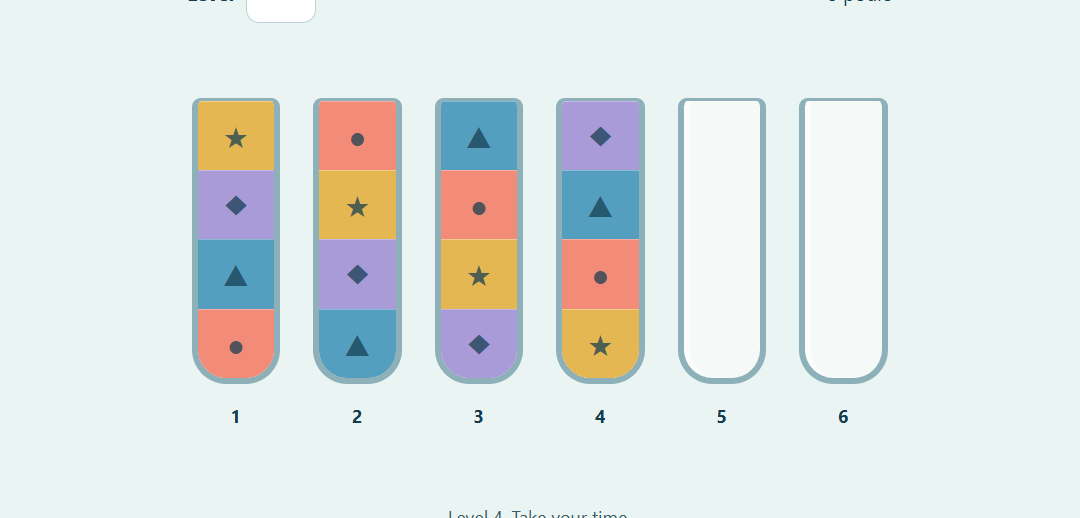
Sort the colors. Clear your head.
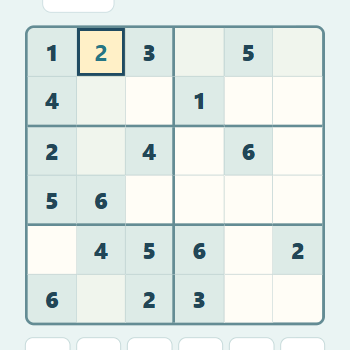
Six numbers. One place for each.
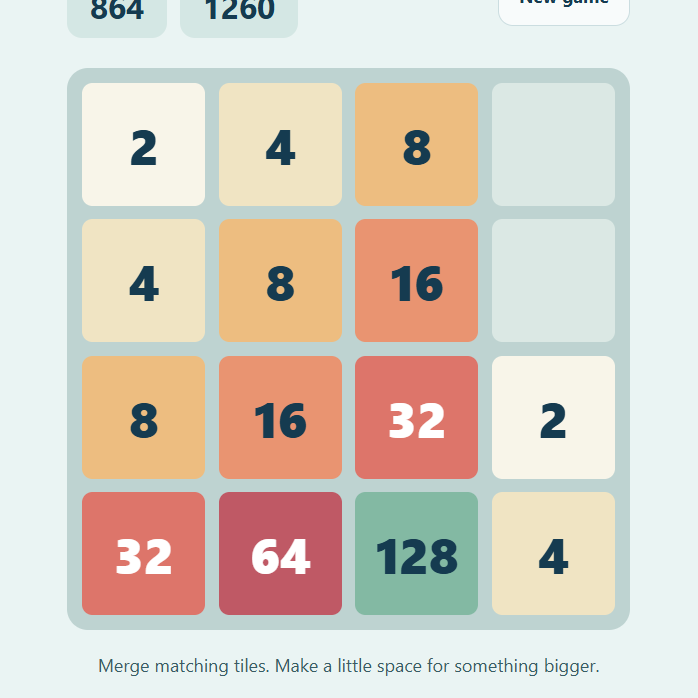
Familiar numbers. Fresh possibilities.
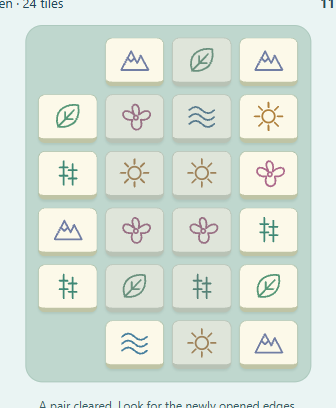
Match the free edges. Let the garden open.
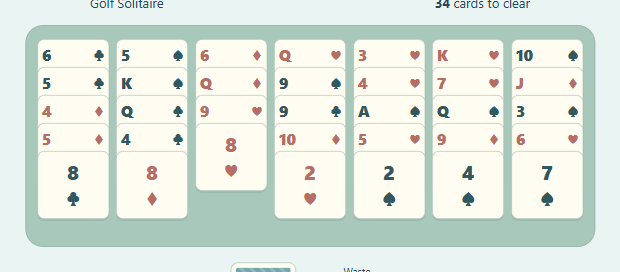
A whole deck. A quiet little challenge.
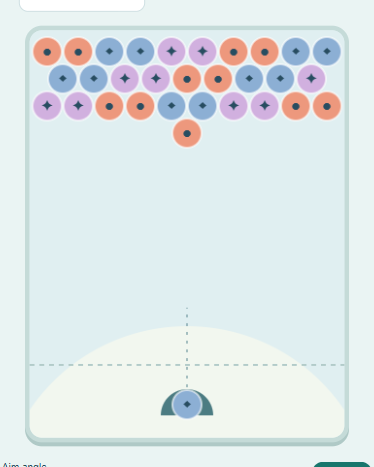
A gentle aim. A satisfying pop.
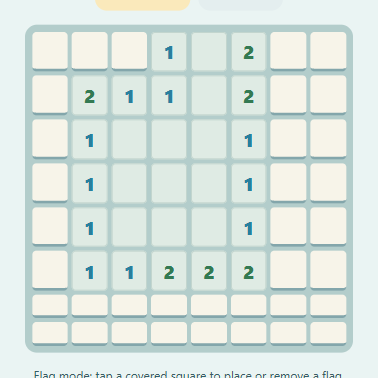
Ten hidden mines. One clear board.
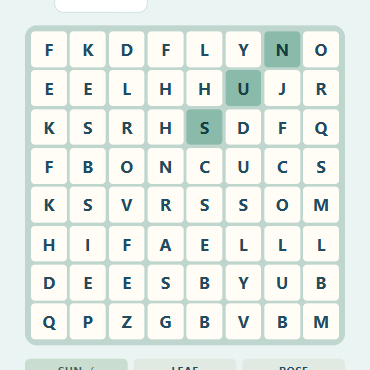
A few hidden words. A quiet little hunt.
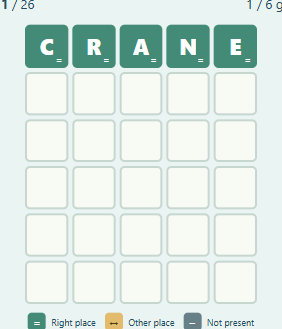
Five letters. Six little chances.
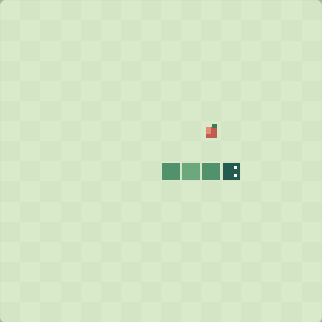
Leave yourself a little room.
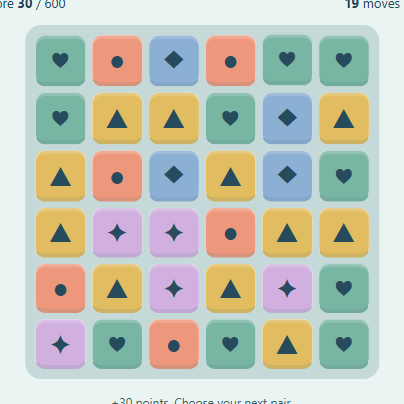
Three in a row. A little room for more.
A familiar picture, one card away.
Move the gap. Make the picture of order.
Find the quiet in the pattern.
One more picture in the pattern.
No games match yet. Try another name or category.
Find your kind of play
A small game for the time you have
Pixel Play Break is a collection of 20 free browser games for a short pause. Open a game card, read its controls, and press Play when you are ready. There is no app to install and no account to create. The collection includes an aquarium, a sand garden, number and word puzzles, card games, and arcade challenges. Use the category buttons to narrow the list, or search for a game by name.
Choose a game that fits your mood. Pixel Aquarium and Sand Garden give you a small space to arrange and experiment with. Nonogram, Water Sort, 6×6 Sudoku and Lights Out reward a slower look at the board. Snake, Bubble Shooter and Fruit Merge ask you to watch movement or plan a landing. A game can be a quick attempt or a longer session; you decide when your break is over.
Make a photo fish, then give it a home
The Make a photo fish button opens Pixel Aquarium with the photo control above the tank. Choose a JPG, PNG or WebP image under 10 MB, move and resize the crop, and check the pixel preview before confirming. A clear face or simple subject works well at 16 × 16 pixels. The preview is deliberately small and blocky, so fine details and busy backgrounds may disappear.
After confirming, your pixel friend swims in the tank with the other fish. Tap the water to feed them and use earned pearls for fish or sea grass. Fish do not die while you are away, and offline earnings stop after six hours. Change photo fish lets you replace the avatar later. Your original image stays in your browser; the small pixel avatar is included in your aquarium save.
Learn one rule at a time
Each game page explains its own rules below the player. In Nonogram, a clue gives the length of a filled group, with a gap between separate groups. In Water Sort, a pour needs room and a matching top color, unless the destination is empty. In 2048, equal tiles combine as you slide, but a newly merged tile waits until the next move to merge again.
For word games, read the instructions before your first guess or selection. Word Guess uses a limited word list and fixed answer collection; it is not an unlimited dictionary or a shared daily challenge. Word Search asks you to select the first and last letters of a hidden word. Many of these games use familiar puzzle rules. Our About page explains the collection and its influences; we do not claim every game concept is original.
Keep your place and set the sound
Progress is linked to an anonymous identity in your browser. Return with the same browser and keep this site’s cookies to find that save again. Clearing cookies, switching browsers, or using a private window can give you a different identity. There is no account-based sync between devices. Some temporary details, such as an undo history, do not survive a reload; check the individual game’s instructions for its saving behavior.
Sound starts after you choose to enable it. Each player offers a sound switch, a volume control and a spoken guide. Voice prompts can be turned off separately, and the aquarium and sand garden also have an ambient sound option. You can play quietly with sound off. On a phone, use the visible touch controls; on games with keyboard support, click the board first so your keys go to the game.
A few things to know
Are all 20 games free to play?
Yes. Every game in this collection is available without a purchase, download or account. Pearls in the aquarium are earned by playing and are not real money.
Do I have to upload a photo?
No. Pixel Aquarium works with its regular fish, and the other games do not need a photo. The photo fish feature is optional and shows a crop preview before you confirm.
Can I come back to my progress?
Use the same browser and keep site cookies. Saves are linked to an anonymous browser identity, not an account. Avoid clearing cookies if you want to keep access to that save.
Where can I find controls or report a problem?
Read the instructions below each player and use its spoken guide if helpful. If something fails, the Contact page is the place to describe the game, your device and what happened. Do not include private photos or passwords.
How much content is in the collection?
There are 20 playable games with different amounts of content. Some puzzles use small fixed sets, and several fish share a basic shape with different colors. The About page describes these limits and the familiar games that influenced the collection.